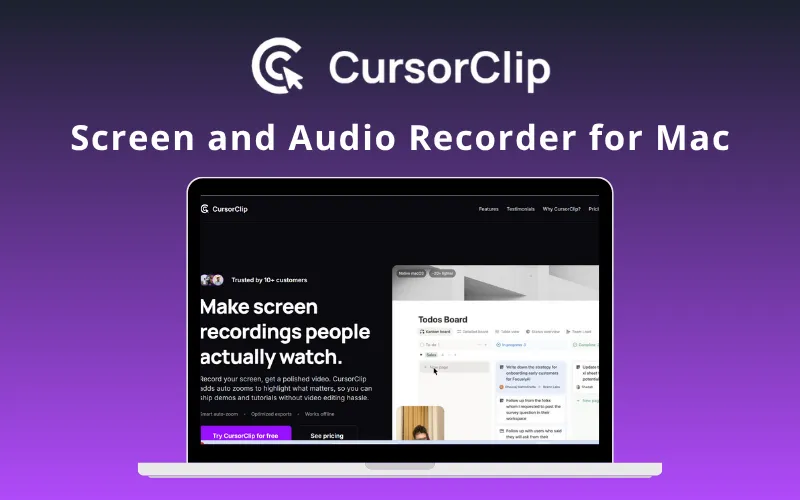
CursorClip - Screen Recorder App For Mac
CursorClip is a macOS screen recorder that automatically follows cursor activity to make demos and tutorials easier to follow.
Where to buy
3 offersDetails
- Works on
- Mac
- Alternative to
- Camtasia, Descript, Loom, OBS Studio, ScreenCharm, Screen Studio
- Best for
- Content creators, Freelancers
Why it's good
- Automatically zooms and pans around cursor activity
- Records screen, system audio, and microphone
- Can include webcam picture-in-picture
- Previews and exports recordings without a timeline editor
- Includes unlimited watermark-free exports
CursorClip records screen activity and automatically applies zoom and pan effects that follow the cursor and key interactions. It can capture system audio and a microphone, with an optional webcam overlay. After recording, users can preview the result and export it without working through an editing timeline or keyframes.
Founders, educators, creators, and agencies can use it for product demos, tutorials, and walkthroughs. CursorClip is a native macOS app, so confirm that your Mac meets its requirements before purchasing. The deal includes unlimited watermark-free exports; instant shareable links are described as a future feature, so check the current app capabilities if link sharing matters.


