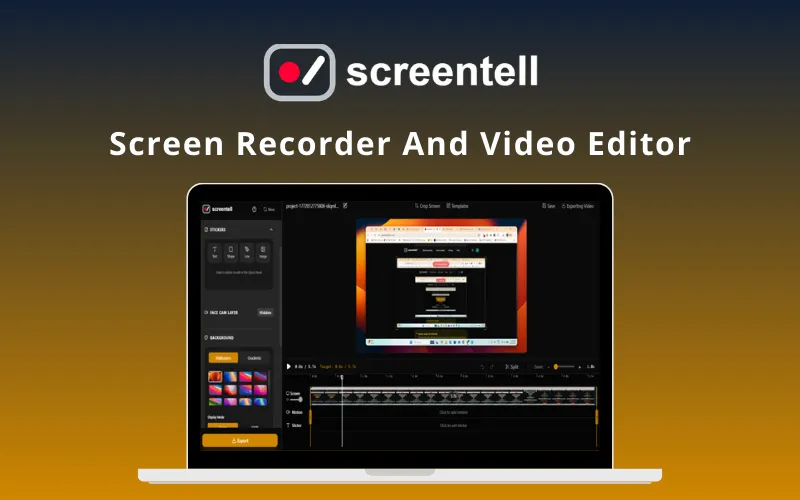
Screentell - Screen Recorder and Video Editor
Screentell records screens and edits videos in a browser for educators, creators, freelancers, and software teams.
Where to buy
2 offersDetails
- Works on
- Web app (SaaS)
- Alternative to
- Camtasia, CursorClip, Cursorful, Loom, OBS Studio, ScreenPal, Screen Studio
- Best for
- Content creators, Educators, Founders & startups, Freelancers, Marketers
- Integrates with
- YouTube
Why it's good
- Records screen, camera, and audio
- Adds 3D motion, zoom, and pan effects
- Edits clips with cut, crop, and speed controls
- Supports stickers, annotations, and custom backgrounds
- Exports MP4, WebM, or GIF files
- Works in major browsers with local processing
Screentell is a browser-based screen recorder and video editor for creating product demos, tutorials, and other videos. It records screen, camera, and audio, then provides tools for trimming clips, adjusting speed, cropping, adding zoom and pan, applying 3D motion, and placing stickers or annotations. Webcam footage can be moved, resized, or hidden after recording, and existing videos can be imported for editing.
The tool may suit educators, creators, freelancers, startups, and software companies. It supports Brave, Chrome, Edge, Firefox, and Safari, and processes content locally in the browser. Exports include MP4, WebM, and GIF. Check browser compatibility, device access, export settings, and license terms before buying.