ScreenToVideo
A Windows screen recorder and video editor for creators, educators, and businesses making tutorials and presentations.
Where to buy
1 offerDetails
- Works on
- Windows
- Alternative to
- Camtasia, Loom
- Best for
- Content creators, Course creators & coaches, Small businesses
- Integrates with
- Google Drive
Why it's good
- Records a full display, window, or custom area
- Captures voice, system sounds, and webcam
- Includes silence removal, blur effects, captions, and speed controls
- Exports MP4, WMV, GIF, or MP3
- Can share videos through Google Drive
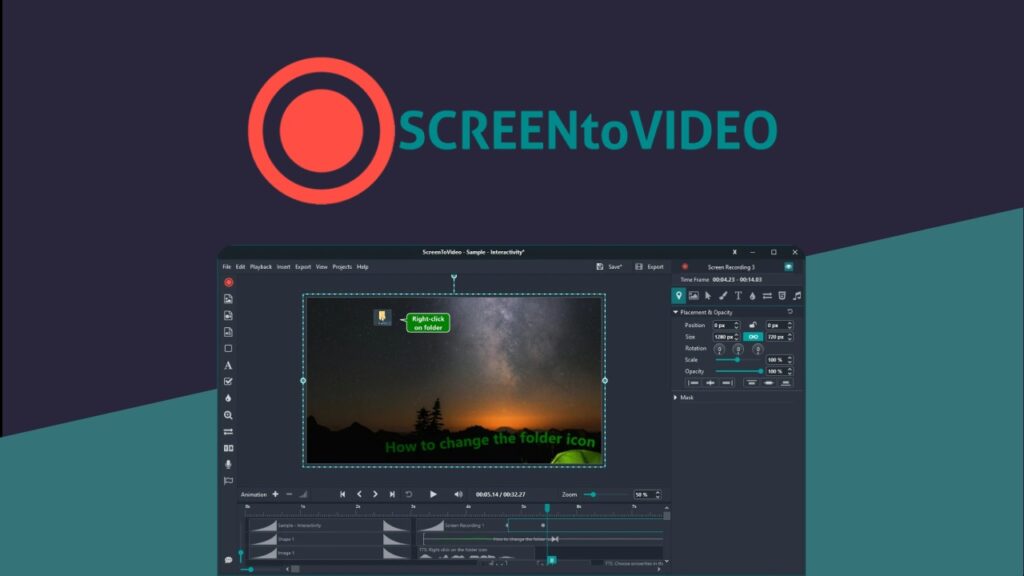
ScreenToVideo combines screen recording and video editing for people creating tutorials, presentations, and other video content. It may suit content creators, course creators, and small businesses that need to record on-screen demonstrations or explainers. The recorder captures the full display, a window, or a custom area, with voice, system sounds, and webcam options. Editing features include AI silence removal, blur effects, captions, text-to-speech, speed controls, effects, audio balancing, and sketching tools. Exports are available in MP4, WMV, GIF, or MP3, and videos can be shared through Google Drive. The software is listed for Windows. The deal provides lifetime access and future plan updates, but codes must be redeemed within 60 days and the deal is not stackable. Confirm that your Windows setup and preferred export formats are supported.